


















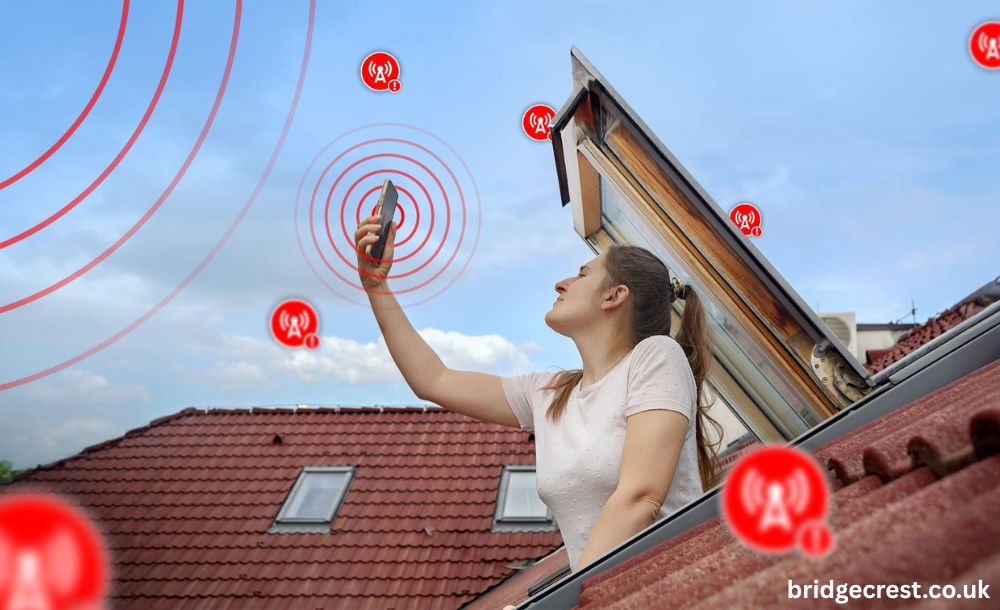
A red phone signal can be frustrating, confusing, and sometimes even alarming. One moment you’re scrolling smoothly, and the next, your phone shows red bars and everything slows down. We rely on our phones for almost everything calls, messages, navigation, work, and entertainment so understanding what a red phone signal really means is more important than ever. Let’s break it down in simple words and explore why it happens, what it affects, and how you can fix it without stress.
Understanding Phone Signal Indicators
Phone signal indicators are small icons that show how well your device is connected to a mobile network. The bars reflect signal strength, with more bars meaning a stronger and more stable connection. Changes in location, network load, or obstacles can cause these indicators to fluctuate. By reading these signals correctly, users can quickly understand their phone’s connectivity status.
What Is a Red Phone Signal?
A red phone signal means your device has an extremely weak connection to the mobile network. It shows that your phone can still detect a signal, but the strength is too low for smooth calls or stable internet. This often happens in areas with poor coverage, heavy network traffic, or physical obstructions like thick walls. As a result, you may experience slow data, call drops, or connection delays.
Main Causes of a Red Phone Signal
Several factors can push your signal into the red zone. Sometimes it’s something you can fix easily, and sometimes it’s beyond your control.
Poor Network Coverage: Not all areas have strong network coverage. Remote locations or newly developed areas may lack nearby cell towers, resulting in weak signals.
Location and Physical Barriers: Walls, metal structures, mountains, and even weather conditions can interfere with signal transmission. Indoor locations are especially known for weakening mobile signals.
Network Congestion: When too many users connect to the same tower like during events or peak hours the network becomes overloaded. This congestion can cause your signal to drop into red even in normally strong areas.
SIM Card or Device Issues: A damaged SIM card, outdated software, or internal antenna problems can also trigger a red phone signal. Sometimes the issue isn’t the network it’s the device itself.
How a Red Signal Affects Your Phone
A red phone signal can seriously impact how your device performs throughout the day. Calls may drop unexpectedly, voices can sound unclear, and messages may take longer to send or fail altogether. Internet speed often slows down, making browsing and streaming frustrating. On top of that, your phone may drain battery faster as it constantly searches for a stronger network connection.
Red Phone Signal on Smartphones
A red phone signal on smartphones usually means the device is connected to a network, but the connection is very weak or unstable. This often leads to slow internet speeds, dropped calls, or delayed messages. It commonly appears in areas with poor coverage, heavy network traffic, or physical barriers like thick walls. While it’s not harmful to the phone, it can seriously affect daily usage and connectivity.
How to Fix a Red Phone Signal
A red phone signal usually means your connection is weak, but it can often be fixed with simple steps. Start by turning airplane mode on and off or restarting your phone to refresh the network connection. Moving to an open area, near a window, or outside can instantly improve signal strength. If the issue continues, check network settings, update your phone software, or reseat the SIM card for a more stable connection.
Red Signal vs No Signal
A red signal means your phone can still detect the network, but the connection is extremely weak and unstable. No signal, on the other hand, means your phone cannot detect any network at all. While both situations affect usability, a red signal can be more frustrating because it gives the illusion of connectivity. In contrast, no signal completely cuts you off from calls, messages, and internet access. Understanding the difference helps you decide whether to troubleshoot your device or wait for network restoration.
Myths about Red Phone Signals
Many people misunderstand what a red phone signal means. Some think it can damage the phone or pose health risks, but that’s not true. A red signal simply shows weak connectivity, not a malfunction. The real impact is on usability calls may drop, internet slows, and apps lag but your device remains safe. Understanding this helps reduce unnecessary worry and focus on practical fixes.
Future of Mobile Signal Indicators
Mobile signal indicators are evolving to give users more accurate and helpful information. Instead of simple bars, future phones may show real-time network quality or signal stability. With 5G and upcoming technologies, dead zones and weak signals will become less common. Smarter indicators will help users quickly understand connection strength and avoid interruptions. Overall, these advancements aim to make staying connected easier and more reliable than ever.
Conclusion
A red phone signal is your device’s way of saying it’s struggling to stay connected. While it can be annoying, understanding the causes and solutions puts you back in control. With a few smart adjustments and awareness of your environment, you can often turn that red warning into a stable connection again. In a world that runs on connectivity, knowing what your phone is telling you makes all the difference.
FAQs About red phone signal
- Does a red phone signal mean no service at all?
No, it means the signal is extremely weak but not completely gone. - Can a red signal damage my phone?
No, it only affects connectivity, not hardware safety. - Why does my signal turn red indoors?
Walls and building materials block signals, reducing strength inside buildings. - Will changing my SIM card fix a red signal?
It can help if the SIM is damaged or outdated, but not always. - Is a red phone signal common during travel?
Yes, especially when moving between coverage areas or using roaming networks.